What Do You Need for a Podcast? 10 Essentials for 2026
What do you need for a podcast. A microphone, yes. But the essential requirement is a production setup that fits the show you want to make and the way your team will make it every week.
Good podcast setups are built around format, workload, and distribution. A solo audio show can run on a simple recording chain and a light edit. A multi-guest video podcast needs a different system: guest scheduling, remote recording reliability, editing for long episodes and clips, hosting, analytics, and a visual setup that looks consistent on camera. The right answer depends on whether you are publishing a founder-led audio show, an interview series for lead generation, or a polished branded video program.
That is the decision this guide is built to help you make.
The list here covers the full workflow, not just the gear on your desk. It includes the tools that affect recording quality, guest experience, post-production speed, publishing, distribution, measurement, and outside production support when your internal team does not have time to handle everything in-house.
There is also a practical cost trade-off behind every recommendation. Simpler tools usually win early because they reduce setup mistakes and keep production moving. More advanced tools start to make sense when your show has repeat guests, tighter brand standards, a video requirement, or enough episode volume that manual work starts eating your week.
If you are still deciding on hardware, this breakdown of recommended microphones for podcasting is a useful place to compare entry-level and upgrade options.
Use this guide as an end-to-end roadmap. Start with the tools your format requires now, keep the workflow tight, and add complexity only when it solves a real production problem.
1. Professional USB Condenser Microphone
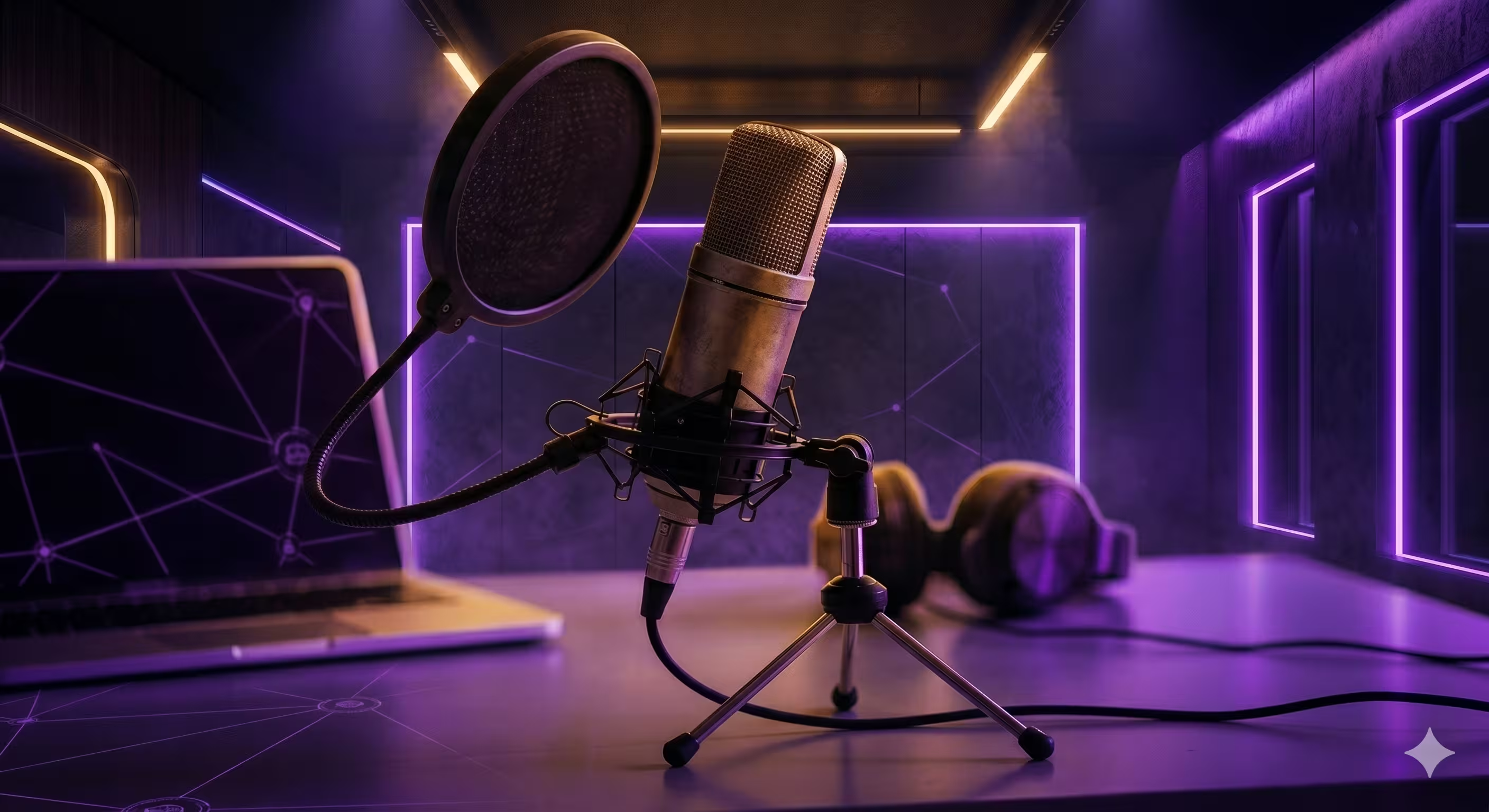
If you're starting from scratch, a USB mic is the cleanest entry point. The Audio-Technica AT2020USB+ is still a practical choice because it removes the interface, mixer, and routing headaches that trip up new podcasters.
A USB condenser mic works best for solo hosts, remote interviews, executive thought leadership shows, and internal company podcasts where speed matters more than building a full studio rack. You plug it into your computer, select it as your input, and record. That's the appeal.
What it does well
The AT2020USB+ gives you a noticeable jump over a laptop mic or built-in webcam mic. Voices sound fuller, room noise is easier to manage when placement is right, and setup time stays low. For teams getting their first show off the ground, that's usually the right trade-off.
It also fits the way many modern podcasts are made. Busy hosts often record from a home office, spare room, or conference room. In that environment, simple gear usually gets used more consistently than "better" gear that takes ten extra minutes to set up every session.
Practical rule: A decent mic used correctly beats an expensive mic used carelessly.
What usually goes wrong
Often, the mic is placed too far away, and attempts to fix bad recordings with editing are made. That rarely works. Keep the mic about 6 to 8 inches from your mouth, add a pop filter, and speak slightly off-axis so harsh consonants don't slam the capsule.
A condenser mic also hears more of the room. That's good for detail and bad for echo. If your office has glass walls, bare desks, and loud AC, you'll hear it. Soft furnishings, rugs, curtains, and even moving off the wall a bit can help more than people expect.
A few practical habits matter:
- Set the input first: Confirm your computer is using the USB mic before you hit record.
- Control the room: Turn off fans, mute notifications, and keep the mic away from vents and laptop exhaust.
- Choose one stable position: Don't lean back and forth all episode. Mic distance changes tone fast.
If you want a few more starter options before buying, micDrop's guide to recommended microphones for podcasting is a useful short list.
2. Remote Guest Management Platform
If your show includes guests, you need more than Zoom. You need a platform built for recording. StreamYard and Riverside.fm are common picks because they reduce friction for guests while giving you cleaner source files than a standard meeting call.
Guest experience directly affects show quality. If the guest struggles to join, can't hear properly, or records through the wrong device, your production quality drops before the conversation even starts.
Why browser-based tools win
A good remote recording platform removes installs, login confusion, and settings overload. You send a link, the guest joins in their browser, and you guide them through mic and camera checks. For executives, investors, subject matter experts, and agency clients, that simplicity is often the difference between a smooth session and a delayed one.
Remote-first workflows are especially important for video podcasts. The underserved gap in the market isn't basic audio setup. It's the move from audio-only to polished remote multi-cam video, where producers often need to handle guest onboarding, visual consistency, and post-production handoff without making hosts learn production software.
What to standardize before every recording
Don't improvise guest management. Build a repeatable process.
- Send a short prep note: Include camera height, headphone use, quiet-room guidance, and what browser to use.
- Run a preflight check: Join early and verify mic selection, framing, internet stability, and lighting.
- Record separate tracks: Individual audio and video tracks make editing much easier when one side has issues.
- Keep a backup path: If a guest's internet fails, be ready to continue audio by phone while preserving the main local recording.
The host should focus on conversation. A producer or coordinator should handle the technical cleanup before recording starts.
For practical setup details, micDrop's walkthrough on how to record podcast remotely covers the basics clearly.
One more trade-off. StreamYard is often easier for live and branded sessions. Riverside tends to fit teams that want stronger source recordings for post-production. Neither platform fixes a bad room, poor mic placement, or weak guest preparation. They just give you better raw material.
3. Video Editing Software
What happens after recording if you want one long-form episode, three short clips, clean branding, and a version that still looks good on YouTube? Editing becomes the system that decides whether your show stays sustainable.
Adobe Premiere Pro and DaVinci Resolve are the two tools I recommend most often for video podcasts because they support more than simple cuts. They can handle multi-camera edits, branded graphics, audio cleanup, captions, and exports for different platforms without forcing you to rebuild the project every week.
The right choice depends on your production goals.
Premiere Pro or Resolve
Premiere Pro fits teams that already use Adobe tools. If a marketer needs thumbnails in Photoshop, a designer is building motion graphics in After Effects, and an editor is turning around weekly episodes on deadline, Premiere usually reduces friction between roles.
DaVinci Resolve makes sense when image quality and budget matter more than software standardization. Its color tools are stronger out of the box, and the free version is good enough for many podcast teams before they need to pay for Studio.
The trade-off is practical. Premiere often wins on collaboration inside existing brand and agency workflows. Resolve often wins on value and finishing quality. Either one works well if the team uses it consistently.
For a closer tool-by-tool comparison, see our guide to best podcast editing software.
Build the workflow before you build the edit
Editing software does not fix a sloppy post-production process. A weekly show needs a repeatable structure.
Set up folders before the first cut. Separate raw interviews, intros, sponsor reads, graphics, music, exports, and social selects. Use one naming convention for every episode. Keep a template timeline with your opener, lower thirds, caption style, audio chain, and export presets already loaded.
That prep work saves hours over a season. It also makes handoff easier if editing moves from a founder to a freelancer, or from an in-house marketer to an outside production partner.
A good podcast edit usually needs to produce several deliverables from one session:
- Full episode master: The archive version with the highest quality settings
- Platform exports: YouTube, website, and social versions with the right aspect ratios and compression
- Clip selects: Short segments marked during the main edit, not hunted down later
- Reusable assets: Intro sequence, lower thirds, end screens, captions, and music settings
A few habits make this easier in real production:
- Use adjustment layers: Apply visual changes across multiple clips without touching each shot individually.
- Save presets: Audio cleanup, captions, and text styling should be one-click decisions.
- Sync and label multicam footage early: Waiting until halfway through the edit creates avoidable mistakes.
- Export a clean master first: Create platform-specific versions from that file, not from a compressed upload copy.
- Mark clip-worthy moments during the long-form edit: Shorts production goes faster when strong sections are already tagged.
The bigger decision is not software alone. It is whether you need a lightweight edit for a solo show, a polished multi-cam workflow for a branded video podcast, or a handoff-ready project structure that another editor can pick up without guesswork. That is the difference between buying a tool and building a production system.
4. Podcast Hosting and Distribution Platform
Where does your show live once the edit is done?
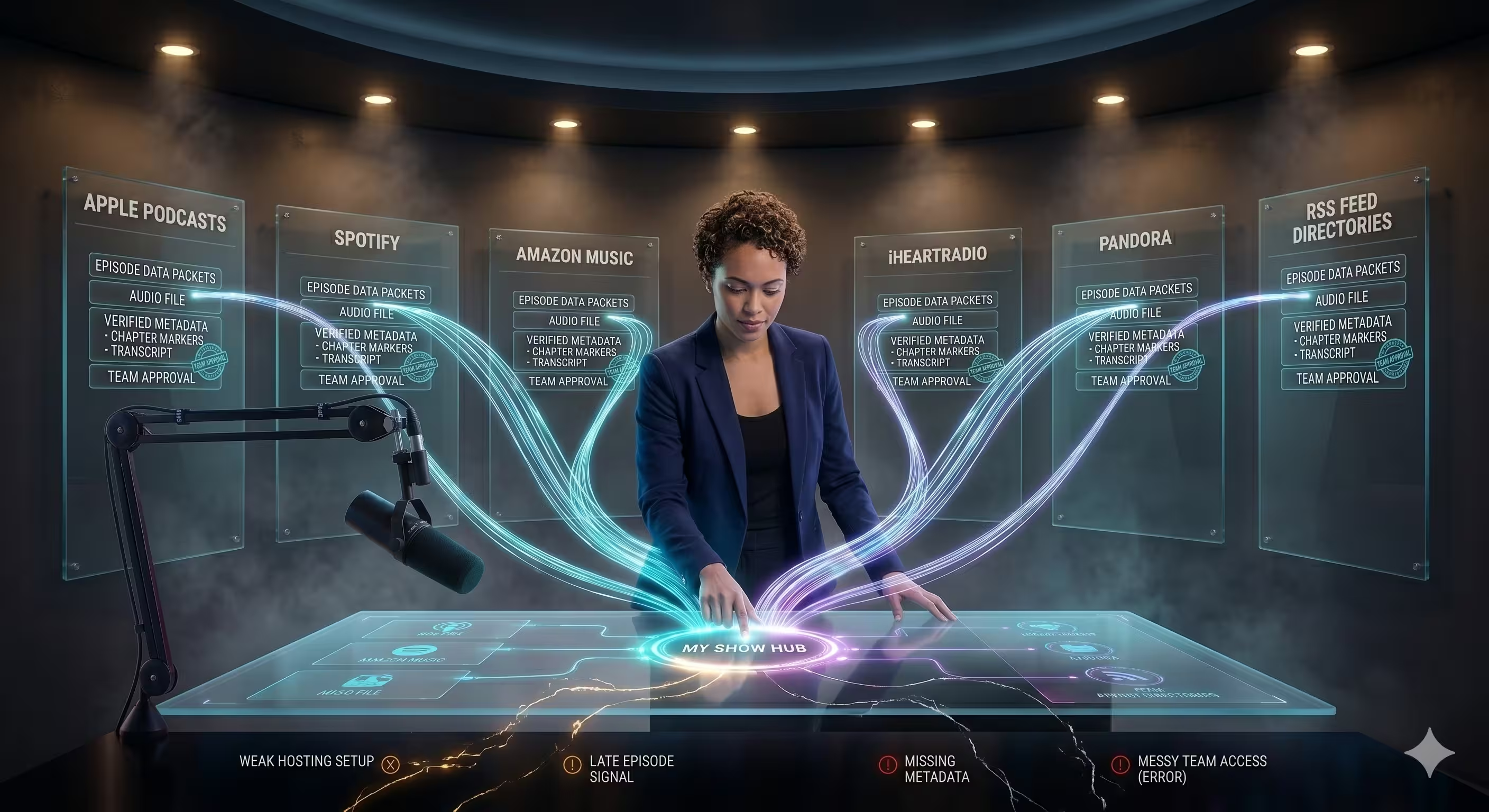
Your hosting platform is the system behind the podcast. It stores episode files, generates the RSS feed, sends new episodes to Apple Podcasts, Spotify, and other directories, and gives you one place to manage publishing. Spotify for Podcasters is one option. Buzzsprout, Transistor, Libsyn, and Captivate are common picks too.
A weak hosting setup creates avoidable problems fast. Episodes publish late. Metadata gets treated like an afterthought. Team access turns messy once more than one person touches the show.
What you actually need from a host
Pick the platform based on the kind of show you are building, not just the monthly price.
A solo audio podcast usually needs reliable distribution, simple scheduling, and clean episode pages. A branded show with multiple stakeholders often needs user permissions, approval workflows, better analytics, and support for private feeds or multiple podcasts under one account. If video is part of the plan, decide early whether the host is only handling audio distribution or whether you want it tied into a broader publishing workflow that includes YouTube, clips, transcripts, and a website.
Look for these features first:
- Reliable RSS distribution: The host should submit and update your feed without manual work every week.
- Scheduling controls: Batch recorders need future publishing dates, draft states, and timezone control.
- Metadata fields that are easy to manage: Episode titles, descriptions, artwork, categories, and show notes should be simple to update.
- Team access: Separate logins and permission levels matter once marketing, production, and leadership are involved.
- Analytics you can use: Downloads by episode, listening trends, and directory-level performance are more useful than a crowded dashboard.
- Website and embed options: Helpful if you want each episode to live on your site without extra development work.
- Private feed support: Useful for internal podcasts, paid content, sales enablement, or client-only series.
The trade-off is convenience versus control. All-in-one platforms are faster to set up and usually fine for early-stage shows. More established teams often outgrow them once they need better branding control, multiple users, or cleaner reporting across a full content program.
What to set up before launch
Set up the host before the first episode is finished. That gives the feed time to propagate across directories and gives your team time to catch small problems before launch week.
Start with the basics:
- Show title and description: Write for clarity first. A vague brand slogan does not help discovery.
- Cover art: Test it at thumbnail size, not just full size.
- Author and category fields: These affect how your show appears across platforms.
- Episode template: Create a repeatable format for intros, links, guest bios, and calls to action.
- Transcript process: Decide whether transcripts will be auto-generated, edited, or skipped.
- Distribution destinations: Submit to the platforms your audience already uses.
- Publishing cadence: Choose a schedule your team can maintain for at least a full quarter.
I also recommend publishing a trailer and at least one full episode before you announce the show publicly. That gives new listeners something to sample and reduces the empty shelf problem that hurts early momentum.
Hosting is not just a storage choice. It is part of the full production system. If this guide is helping you decide what you need, this is one of the clearest examples of that principle. A solo creator can keep it simple with a low-maintenance host. A company building a polished audio and video program should choose a platform that fits the workflow, reporting needs, and distribution plan from day one.
5. Professional Lighting Setup
Why do so many video podcasts look expensive with modest gear, while others look amateur on a good camera? Lighting usually explains the gap.
If video is part of your show, a basic LED panel kit such as a Neewer RGB setup can improve the result faster than a camera upgrade. Viewers will forgive a slightly softer image. They notice bad shadows, flat skin tones, and a bright window pulling attention away from the host.
Why lighting changes perceived quality so quickly
Good lighting creates shape in the face, keeps the eyes clear, and makes the set look consistent from episode to episode. That matters for solo creators recording at home, and it matters even more for teams building a repeatable video workflow across offices, guest setups, or branded studios.
I see the same mistake often. Teams buy a better camera first, then record under overhead office lighting and hope the image will sort itself out. It will not. A mid-range camera with controlled light usually produces a stronger result than a premium camera in a poor room.
This is one of those choices that depends on your goal. A solo audio-first show that posts simple clips may only need one soft key light. A polished interview show, branded company podcast, or enterprise video setup should budget for a repeatable lighting layout from day one.
A practical setup that works in real rooms
Three-point lighting is still the safest starting point.
Place the key light slightly above eye level and about 30 to 45 degrees off-center. Add a softer fill on the opposite side if shadows look too heavy. Use a back light or practical lamp in the background to separate the subject from the wall.
Do not chase a cinematic look unless someone on the team knows how to maintain it. Clean and repeatable wins.
Good podcast lighting keeps attention on the speaker, not on the lighting itself.
A few adjustments make a bigger difference than buying another fixture:
- Match color temperature: Mixed lighting makes skin look inconsistent, especially when daylight changes during the recording.
- Diffuse the key light: Softer light is usually more forgiving for interviews and long-form conversations.
- Watch reflections in glasses: Raise the light, move it wider, or tilt it before you start recording.
- Control the background: A small lamp in frame or a light on the wall can add depth without making the setup complicated.
- Check the actual camera feed: Light panels can look fine to the eye and still look harsh or uneven on camera.
Lighting also affects the rest of the production workflow. Better lighting reduces color correction work in editing, makes clips more usable across platforms, and gives sponsors or internal stakeholders a more polished product. That is the bigger point in this guide. What you need depends on the show you are building, not just the gear list. For some podcasts, one light and a good seat position is enough. For others, especially shows built for YouTube, social clips, and larger screens, lighting is part of the production system, not a cosmetic extra.
6. Audio Interface and XLR Microphone Setup
Do you need an audio interface and XLR mic, or are you about to spend more money to solve a problem better mic technique would fix?
An XLR setup makes sense when the show has moved beyond a simple desktop workflow. If you are building a fixed recording space, tracking two or more local speakers, or standardizing production across a team, an interface gives you more control than a USB mic. That control matters, but it comes with setup overhead.
A Focusrite Scarlett 2i2 with a Shure SM7B is a common starting point because it is dependable and easy to expand later. The bigger advantage is not the brand names. It is the signal chain. You can choose the right mic for the voice, set levels properly, replace one component without rebuilding the whole setup, and keep the same studio workflow as the show grows.
Who this setup is for
This is usually the right move for:
- Established solo shows that record often enough to justify a permanent desk setup
- Interview podcasts with multiple in-room hosts or guests
- Agency or in-house studios that need repeatable sound across different speakers
- Executive and branded podcasts where consistency matters more than portability
- Video podcast teams that want audio gear that can scale with cameras, mixers, and separate monitoring
For a solo creator recording in a small room once a week, a good USB mic is often the better decision. It is faster to set up, easier to troubleshoot, and hard to beat on cost.
What you gain, and what gets harder
The biggest gain is flexibility. Dynamic XLR mics such as the SM7B usually handle untreated rooms better than many condenser mics because they pick up less of the room. That can save a recording in a home office with HVAC noise, hard walls, or street sound.
The trade-off is complexity.
Interfaces introduce gain staging, monitoring, cabling, phantom power decisions for some microphones, and more points of failure. A weak preamp can leave a gain-hungry mic sounding flat. Bad cable runs can add hum. Monitoring through the wrong device can create delay that throws off delivery.
That is why I only recommend this route when the show needs a system, not just a nicer microphone.
Setup tips that prevent expensive mistakes
A few habits make an XLR chain work reliably:
- Match the mic to the room: Dynamic mics are often the safer choice in untreated spaces.
- Speak close and stay consistent: Tone changes fast when the host drifts off-axis or backs away.
- Set conservative levels: Leave headroom so laughs, emphasis, and overlapping voices do not clip.
- Monitor with headphones during the session: Catch hum, plosives, routing errors, and loose connections before the take is over.
- Use decent XLR cables: Reliable shielding and connectors matter more than cosmetic extras.
- Test the full chain before guests arrive: Interface input, recording software, headphone output, and backup recording should all be confirmed in one pass.
There is also a workflow decision here that gets missed in gear roundups. XLR is a better fit for teams building a long-term production process. If the plan is a polished studio show with recurring guests, video clips, and delegated editing, the extra control pays off. If the goal is to publish quickly with minimal setup, it often slows the team down.
That is the broader point of this guide. What you need for a podcast depends on the format, the production load, and where the show is headed next. An XLR setup is not a default purchase. It is a deliberate step toward a more controlled, more scalable recording system.
7. Podcast Analytics and Growth Platform
How do you know whether a podcast is working?
Without analytics, you are guessing. You may see download numbers rise and still miss the more important question: did the show hold attention, reach the right audience, and lead to any useful business outcome?
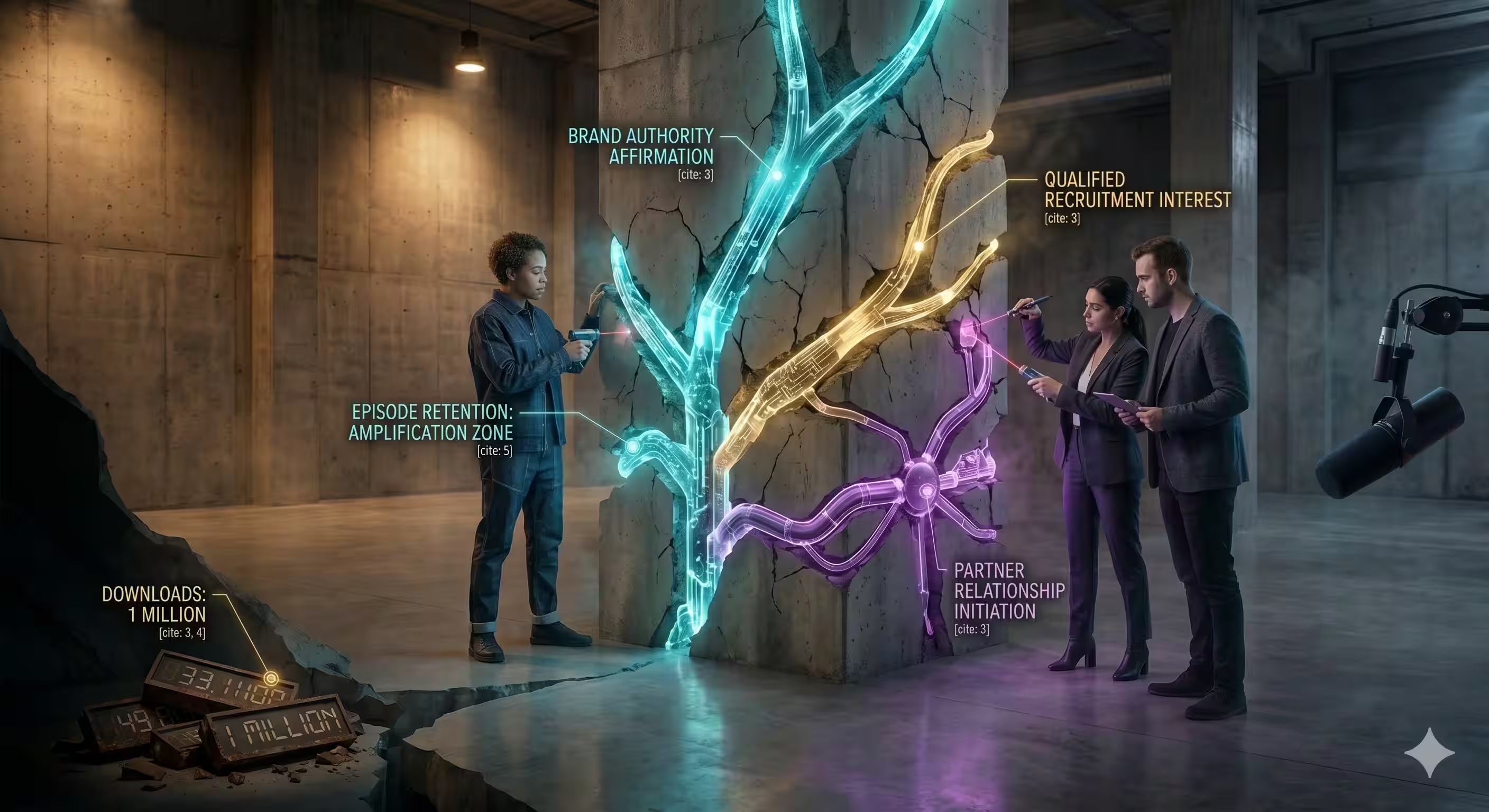
Podtrac and Chartable can help answer that. They are less about scoreboard metrics and more about pattern recognition. That matters for B2B shows, where the goal is often brand authority, sales conversations, recruiting interest, or partner relationships, not just bigger audience totals.
What to measure if you want better decisions
Downloads still matter. They just should not be the only thing on the dashboard.
The better signals depend on the job the podcast is supposed to do. A solo creator may care about episode retention and subscriber growth. A brand team may care more about listener quality, traffic sources, demo requests, newsletter signups, or whether a guest episode opened a sales conversation. An enterprise video podcast may need to compare audio listens, YouTube watch behavior, and clip performance across channels.
A useful analytics setup usually tracks:
- Episode retention: Shows whether the intro, structure, and pacing are working
- Completion trends: Helps identify which topics keep attention to the end
- Traffic sources: Tells you whether growth is coming from podcast apps, YouTube, email, social, or guest promotion
- Guest and topic performance: Reveals which conversations attract the audience you seek
- Post-listen actions: Measures whether listeners visit a landing page, book a call, subscribe, or take another next step
Where teams usually get stuck
The common mistake is collecting data you cannot act on.
If a platform shows a retention drop at the three-minute mark, that is useful only if you change something. Tighten the intro. Cut the housekeeping. Move the strongest question earlier. If guest episodes consistently outperform solo ones, that affects the format plan. If YouTube clips drive more discovery than podcast apps, distribution needs to reflect that.
I usually treat analytics as a production tool, not just a reporting tool. It should shape the run of show, editing choices, publishing schedule, and promotion plan.
Track the show like a channel with a job to do. Measure attention, source quality, and follow-up actions.
That is also why this category belongs in a guide about what you need for a podcast. Gear gets you a recording. Analytics helps you build a repeatable system. If your goal is a hobby show, basic host-level stats may be enough. If the show supports marketing, sales, hiring, or partnerships, you need clearer attribution and a workflow that connects performance data back to business outcomes.
8. Lavalier Wireless Microphone System
A lavalier wireless system like the Rode Wireless GO II solves a specific problem. You need clean audio without a visible desk mic in the frame, or you need to let a speaker move naturally on camera.
This is useful for in-studio interviews, standing presentations, recruitment content, office walk-and-talks, and panel-style recordings where a fixed microphone would get in the way.
When lavs beat traditional podcast mics
Desk mics still win for classic sit-down podcast audio. They usually sound fuller and more controlled. Lavs win when the visual format matters as much as the sound, or when physical movement is part of the shot.
For executive interviews, that trade-off often makes sense. A founder leaning back in a chair or gesturing naturally can look much better on camera with a hidden or clipped wireless mic than with a large broadcast mic blocking the frame.
What can go wrong fast
Wireless systems introduce new failure points. Battery issues, interference, clothing rustle, weak placement, and poor monitoring can ruin a take. That's why I treat lavs as production tools, not convenience gadgets.
A few field-tested habits help a lot:
- Check placement carefully: A bad clip point can create friction noise every time the speaker moves.
- Monitor the receiver: Don't assume signal is fine because the guest can hear you.
- Run backups: Internal safety recording or a secondary source can save the session.
- Test wardrobe: Jackets, necklaces, and stiff fabrics cause more problems than people expect.
The strongest use case is video-first podcasting, especially as more shows shift out of audio-only formats. The 2026 trend gap summary notes that video podcasts saw year-over-year growth and that many B2B podcasters still haven't moved to video because of technical barriers, as described in the transition-to-video market gap reference. Wireless systems are one of those small but important tools that make polished video formats easier to execute.
9. Video Recording Software
Need more control than a browser recorder can give you?
OBS Studio is often the right answer for teams that need to record a polished video podcast without buying a hardware switcher on day one. It handles multi-camera layouts, screen shares, lower thirds, local recording, and live streaming in one place. That makes it useful for agency production, internal brand studios, product marketing demos, and any show that wants the recording stage to feed both full episodes and short clips.
The trade-off is setup discipline. OBS works well once the system is built. It is far less forgiving if someone opens the project five minutes before a recording and starts changing inputs.
Where OBS fits best
OBS makes sense when your show needs visual production decisions during the session, not just in post.
Examples:
- Interview shows with repeatable layouts: host solo, guest solo, split screen, branded waiting screen
- Demo-driven episodes: switch between camera, slides, app walkthroughs, and picture-in-picture
- Live-plus-recorded workflows: stream to a platform while saving a clean local file
- Multi-show teams: reuse the same scene collection across several podcasts with minor branding changes
That flexibility is why technical producers stick with it. You can build a real recording workflow around it instead of treating video capture as an afterthought.
A practical walkthrough helps if you're new to it:
The real cost of free software
OBS saves software budget, but it shifts the cost into prep, testing, and operator skill.
I usually recommend it for teams that record often enough to benefit from templates and standard operating procedures. For a solo host recording a simple talking-head episode once a month, a lighter tool may be faster. For a branded video podcast with recurring segments, OBS usually earns the extra setup time because it keeps the capture process consistent.
A few implementation habits prevent avoidable mistakes:
- Build fixed scene templates: create scenes for intro, interview, screen share, clip framing, and outro before production day
- Name every source clearly: "Sony Cam A" is better than "Video Capture Device 3"
- Match audio settings across devices: sample-rate mismatches are a common cause of sync drift
- Record locally even if you're streaming: a backup file protects the episode if the stream fails
- Check CPU and disk load in advance: dropped frames usually come from an overbuilt scene collection or an underpowered machine
- Lock permissions and updates: OS camera permissions and surprise software updates can break a session right before call time
Video recording software also affects downstream workflow more than new creators expect. If the software captures clean camera feeds, screen content, and stable audio, your editor can cut faster, your team can repurpose clips faster, and your distribution plan gets easier to execute. That is the bigger point in this guide. What you need for a podcast is not just gear. It is a recording system that matches your show format, your publishing cadence, and the amount of production complexity your team can handle every week.
10. Podcast Production and Distribution Service
What do you need for a podcast if the gear is covered, but the show still is not shipping on time?
For a lot of teams, the answer is a production and distribution service. That is usually the right call when recording is inconsistent, edits pile up, approvals drag, or publishing depends on one overextended marketer. I see this with executive-hosted shows, branded interview series, and agency programs where the main constraint is not equipment. It is time, ownership, and repeatable process.
A good service fills the operational gaps across the full podcast workflow, not just post-production. That matters if your goal is bigger than getting an episode exported. A solo creator may only need editing help. A B2B team trying to turn a podcast into pipeline usually needs planning, guest coordination, production support, publishing, repurposing, and reporting tied to business outcomes.
When outsourcing makes practical sense
Outsource when the internal cost of doing it yourself is higher than the invoice.
Common signs include:
- Hosts postpone sessions because setup feels fragile or confusing
- Raw files sit in a shared drive for days with no editor assigned
- Episodes go live late because nobody owns titles, descriptions, thumbnails, and uploads
- Clips are requested after publish day, which means repurposing never becomes consistent
- The show looks polished for one month, then quality drops as the team gets busy
At that point, adding another tool rarely fixes the problem. You need assigned responsibility and a production system your team can rely on every week.
What a strong partner should handle
Some vendors are editing shops. Others run the whole engine. Know which one you are buying.
Look for coverage across these areas:
- Pre-production: show strategy, episode planning, guest outreach support, briefs, run-of-show documents, and host prep
- Production: recording supervision, technical checks, remote guest support, and contingency planning if a session breaks
- Post-production: audio cleanup, multi-cam editing, graphics, captions, revision management, and clip extraction
- Distribution: uploads to hosting platforms, YouTube publishing, metadata, thumbnails, chaptering, and platform-specific formatting
- Reporting: episode performance, content output, and business-relevant review criteria
That last point gets missed a lot. If the service cannot explain how success will be measured, it is probably just a vendor for file delivery.
Trade-offs to weigh before you sign
Outsourcing saves time, but it also changes how control works.
A service is a strong fit if speed, consistency, and polish matter more than keeping every task in-house. It is a weaker fit if your show changes format every week, your brand team revises endlessly, or you want editors on standby for same-day turnarounds without paying for that level of support.
Ask practical questions before committing:
- Who owns the publishing checklist?
- How many revision rounds are included?
- What is the turnaround time for full episodes and short clips?
- Will they work inside your tools or force a new stack?
- Who responds if a guest has audio issues five minutes before recording?
- Do they provide strategy, or only production labor?
The best partners reduce decision fatigue. They do not just hand back edited files. They help you keep the show on schedule, distribute it properly, and turn each recording session into assets your team will use.
As noted earlier, podcast growth is harder in a crowded market. Consistent publishing, strong packaging, and reliable repurposing often matter more than buying one more piece of gear. That is the bigger decision in this guide. What you need for a podcast depends on your goal, your publishing pace, and whether your team can realistically manage the full chain from planning to distribution every single week.
Top 10 Podcast Tools Comparison
From Checklist to Launch Your Next Steps
What do you need to launch a podcast that lasts past episode three?
The answer depends on the show you are building, the team behind it, and how polished the final product needs to be. A solo audio show, a client-facing interview series, and an enterprise video podcast do not need the same setup, approval process, or production workflow.
Start by choosing the minimum stack that fits your goal.
For a simple audio show, that usually means:
- one good USB microphone
- a quiet recording space
- a remote guest platform, if you interview people
- editing software you will learn
- a hosting platform that distributes episodes correctly
That setup is enough to record, edit, publish, and improve. It also keeps the process simple, which matters more than buying extra gear early.
Video changes the requirement. Once the show is meant to live on YouTube, LinkedIn, or as short clips across social platforms, the job is no longer just recording a conversation. You also need clean framing, usable lighting, consistent branding, thumbnails, clips, captions, and a publishing process that does not break every week.
That is the shift this guide has been building toward. The tools are only part of the decision. The better question is how the full system works from planning to recording to editing to distribution.
Here is the practical way to make that decision:
- If the goal is consistency, keep the setup small and repeatable.
- If the goal is executive brand presence, spend more on presentation, editing, and approvals.
- If the goal is demand generation or content repurposing, build around workflow, not just recording quality.
- If the goal is a polished video show, budget for lighting, editing, graphics, and short-form outputs from day one.
I see the same mistake often. Teams buy for the version of the show they hope to have in six months, then struggle to produce the first six episodes. The bottleneck usually is not microphone quality. It is scheduling, file handoff, edit review, clip production, and publishing discipline.
A staged setup works better.
Start with a format you can sustain. Publish on a schedule you can keep. Add tools when a real limitation shows up. Move to XLR when the recording space is fixed and you want more control. Add analytics when the show needs reporting. Add lighting and video polish when appearance affects credibility. Bring in outside production support when internal time is more expensive than outsourcing editing and distribution.
For some teams, micDrop fits at that stage. It handles remote-first podcast production, editing, repurposing, and publishing in one workflow. That makes sense for brands, executives, and marketing teams that want the show to look polished without building an in-house production operation.
The goal is not to collect tools. The goal is to ship episodes reliably, learn what the audience responds to, and improve the process as the show grows.
If you want help turning a rough podcast idea into a polished, repeatable video show, micDrop offers remote-first production support across recording, editing, motion graphics, short-form repurposing, and publishing for brands, executives, and teams that don't want to manage the full workflow alone.


