10 Best Apps for Creating Podcasts in 2026
You’re choosing a podcast setup under time pressure. Marketing wants clips. Sales wants customer interviews. Leadership wants the show to look polished, but nobody wants a production process held together by five tabs, two logins, and a last-minute file export.
That’s where app roundups usually lose business teams. They sort tools by popularity, not by the job each tool needs to do. A more practical question is this: which part of your workflow is breaking first?
For business podcasts, I recommend evaluating tools in three buckets: recording, editing, and live production. Then decide whether you want a stack you manage yourself or a simpler recording layer paired with a done-for-you production partner. If your team is already spending too much time troubleshooting gear, it also helps to get the basics right early, including your podcast audio interface setup.
The tools in this list map to four workable setups:
- Record-first stack: Capture clean remote or in-person audio, then finish in a separate editor.
- All-in-one stack: Record, edit, host, and publish in one platform.
- Live-first stack: Stream first, then turn the session into podcast episodes and social clips.
- Done-for-you model: Keep recording simple and hand off editing, packaging, and publishing.
Easy entry has never been the hard part. Consistency is. Teams usually stall because the workflow asks for too many manual steps, too much technical cleanup, or too much staff time for the return.
That’s the lens for this guide. I’m not treating these apps as interchangeable. Some are strongest for remote interviews. Some save time in editing. Some are built for live video shows. And for companies that value speed over tinkering, the right answer may be a lighter DIY stack plus a service like micDrop rather than trying to turn podcast production into another internal system to manage.
1. Riverside
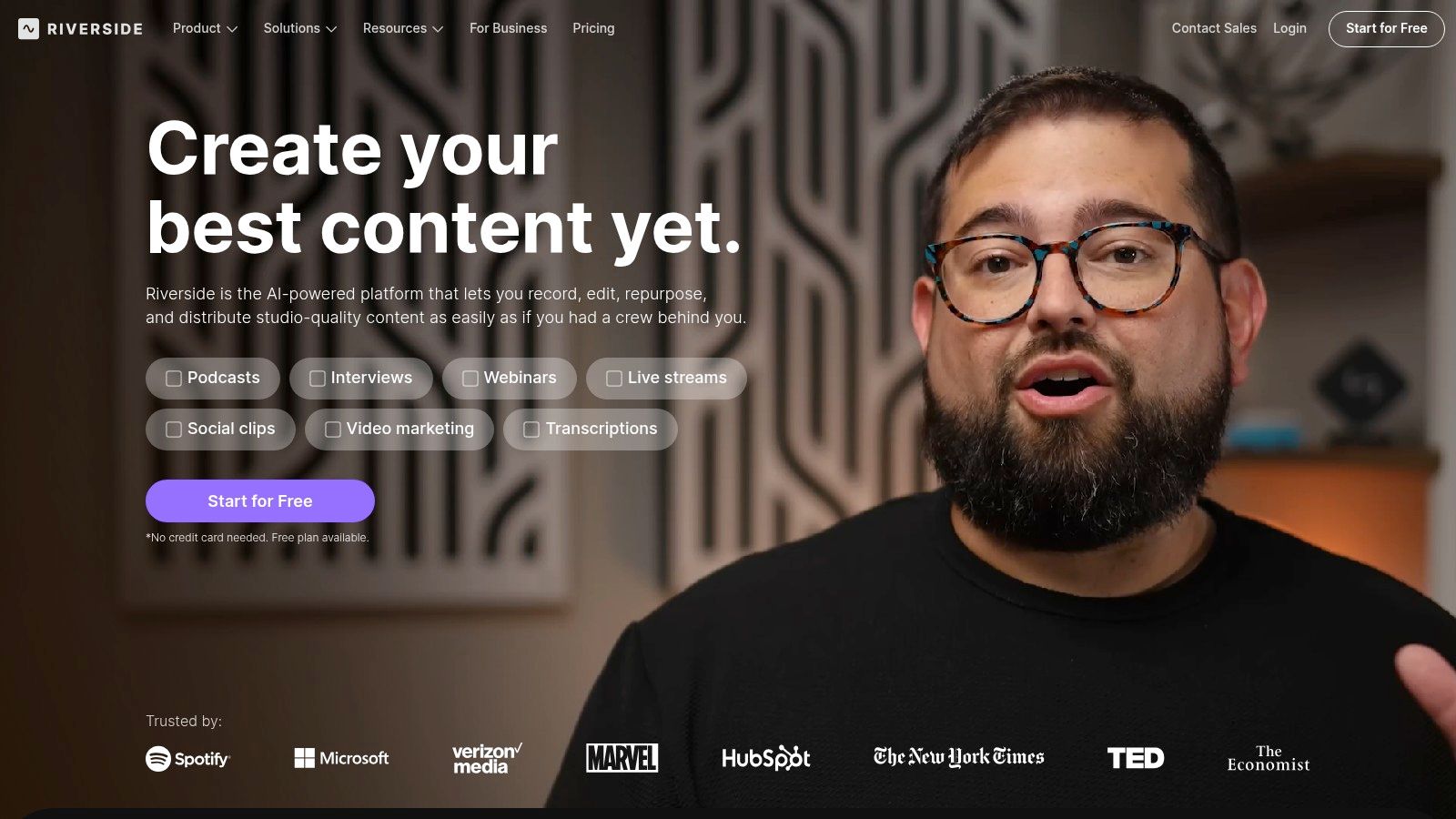
A remote guest joins from a hotel Wi-Fi connection, your host is on a USB mic, and the interview still needs to be usable for audio, video, and clips by the end of the week. Riverside is built for that job.
In a workflow-first stack, Riverside belongs in the recording bucket first. It can cover light editing and distribution too, but its real value is local recording on each participant’s device, separate audio and video tracks, and a guest experience that stays inside the browser. For business podcasts, that removes a lot of failure points before post-production even starts.
Best fit
Riverside is a strong choice for teams running remote interviews with customers, partners, executives, or distributed internal stakeholders. It also makes sense when video is part of the plan from the start, not an afterthought.
If your team wants one platform that can record, create clips, and publish without a complicated handoff, Riverside can do that. If your standard is tighter narrative editing, branded polish, and hands-off production management, use Riverside as the capture layer and hand the rest to a producer or a service like micDrop.
What works well
- Local multitrack recording: Guest internet problems are less likely to ruin the final file.
- Browser-based guest access: External guests can join quickly without installing desktop software.
- Separate audio and video tracks: Editors get more control when one speaker needs cleanup.
- Clip creation: Built-in tools are useful for turning interviews into short social assets.
- Live streaming options: Helpful for teams that occasionally record and broadcast from the same platform.
One practical note. Riverside reduces recording risk, but it does not remove the need for a solid run-of-show and a host who can manage guests in real time.
Trade-offs to consider
Riverside’s editor is good enough for trims, speaker view changes, and clip production. It is not the tool I’d choose for detailed sound design, narrative restructuring, or heavy dialogue cleanup. Teams that care about production quality usually export the files into a dedicated editor after recording. If that is your plan, a simple podcast editing workflow will save time once recordings start piling up.
Pricing is the other constraint. Free access is limited, and paid plans can feel tight if your team batches a lot of interviews in a short window. That is manageable for a consistent weekly cadence. It gets less comfortable when marketing records six or eight episodes in one sprint.
Use Riverside when the top priority is getting a clean remote recording without making guests jump through setup steps.
2. Descript
A common bottleneck shows up after the interview. The recording is done, but someone still has to cut rambling answers, pull clips, clean up the transcript, and turn the episode into usable marketing assets. Descript is built for that part of the workflow.
In a workflow-first stack, Descript is the editing layer. I would not choose it as the first tool to solve remote capture. I would choose it when the problem is getting from raw conversation to approved first cut without forcing every change through a specialist editor.
That matters for business podcasts. A marketing manager can trim sections, rewrite titles, flag quotes, and request removals directly in the transcript. A producer still needs to review pacing, accuracy, and brand-sensitive edits, but the handoff gets much faster.
Where it fits best
Descript works well for teams that record in one tool, then do post-production in another. If you already have a remote interview process, or you are still sorting out how to record a podcast remotely, Descript makes the most sense once the files exist and the team needs to shape them quickly.
Its practical strengths are clear:
- Transcript-based editing: Faster for removing filler, tightening answers, and cutting around repeated ideas.
- Shared review workflow: Content, production, and stakeholders can comment without opening a traditional audio editor.
- Repurposing support: Useful for clips, captions, quote graphics, and alternate cuts from the same interview.
- Low training burden: Non-editors can contribute sooner than they can in timeline-first tools.
Real trade-offs
Descript is very good at rough cuts and collaborative cleanup. It is less satisfying for detailed mix work, intricate sound design, or frame-precise visual editing. Teams that care about polished audio usually do the core structural edit in Descript, then finish in another editor.
Transcript accuracy is good enough to save time, but it still needs supervision. Names, acronyms, technical language, and brand terms are the places I expect errors. That means Descript reduces editing labor. It does not remove editorial review.
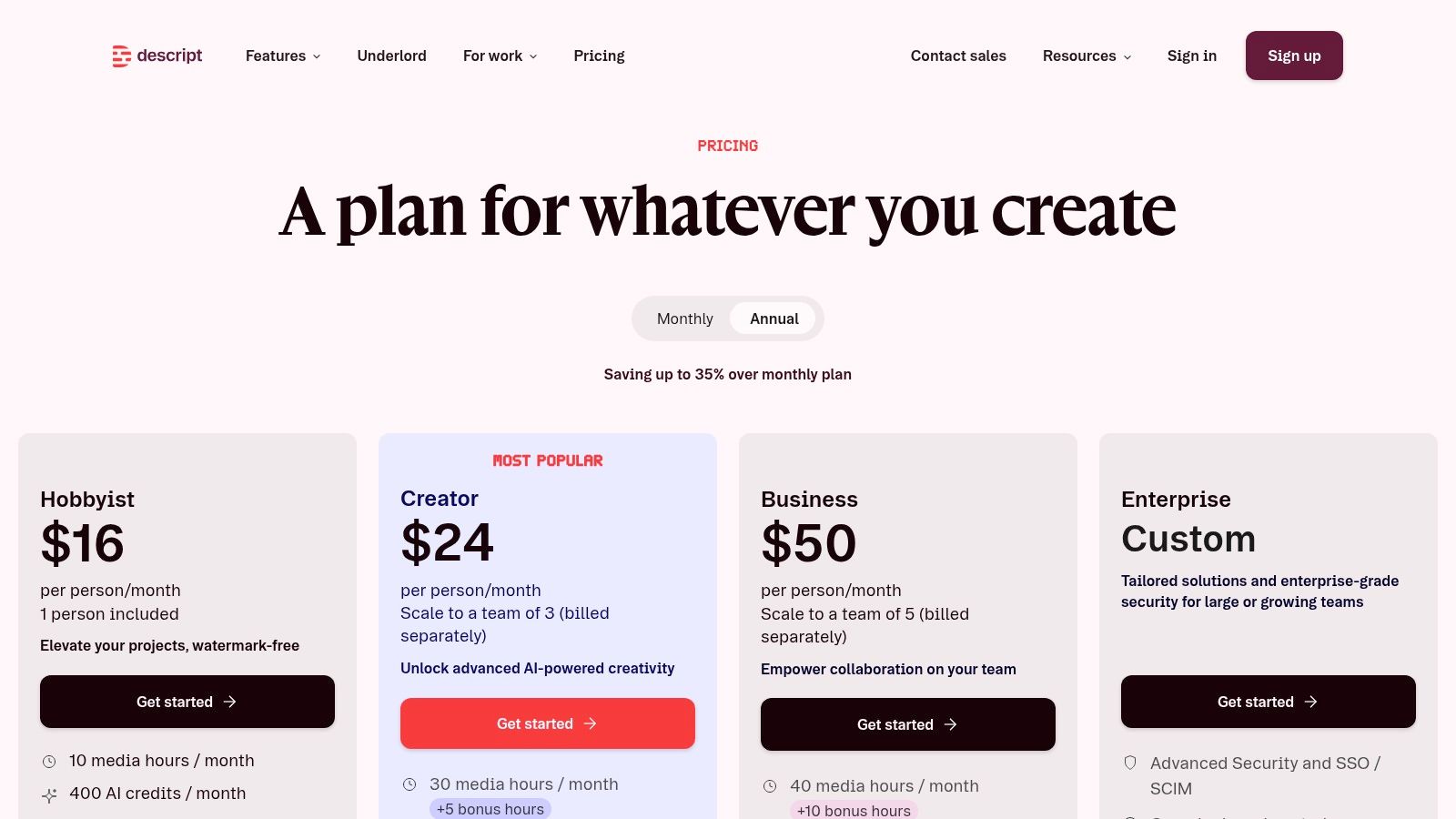
Pricing can also get awkward once production volume climbs. Usage limits and credit models are manageable for a weekly show with a clear cadence. They become harder to predict when a company batches interviews, creates lots of social cutdowns, or has several reviewers in the same workspace.
Use Descript when your team needs editing speed, easier collaboration, and a faster path from transcript to first cut. If your business would rather skip tool-stacking and revision management altogether, that is usually the point where a done-for-you option becomes more appealing.
3. SquadCast by Descript
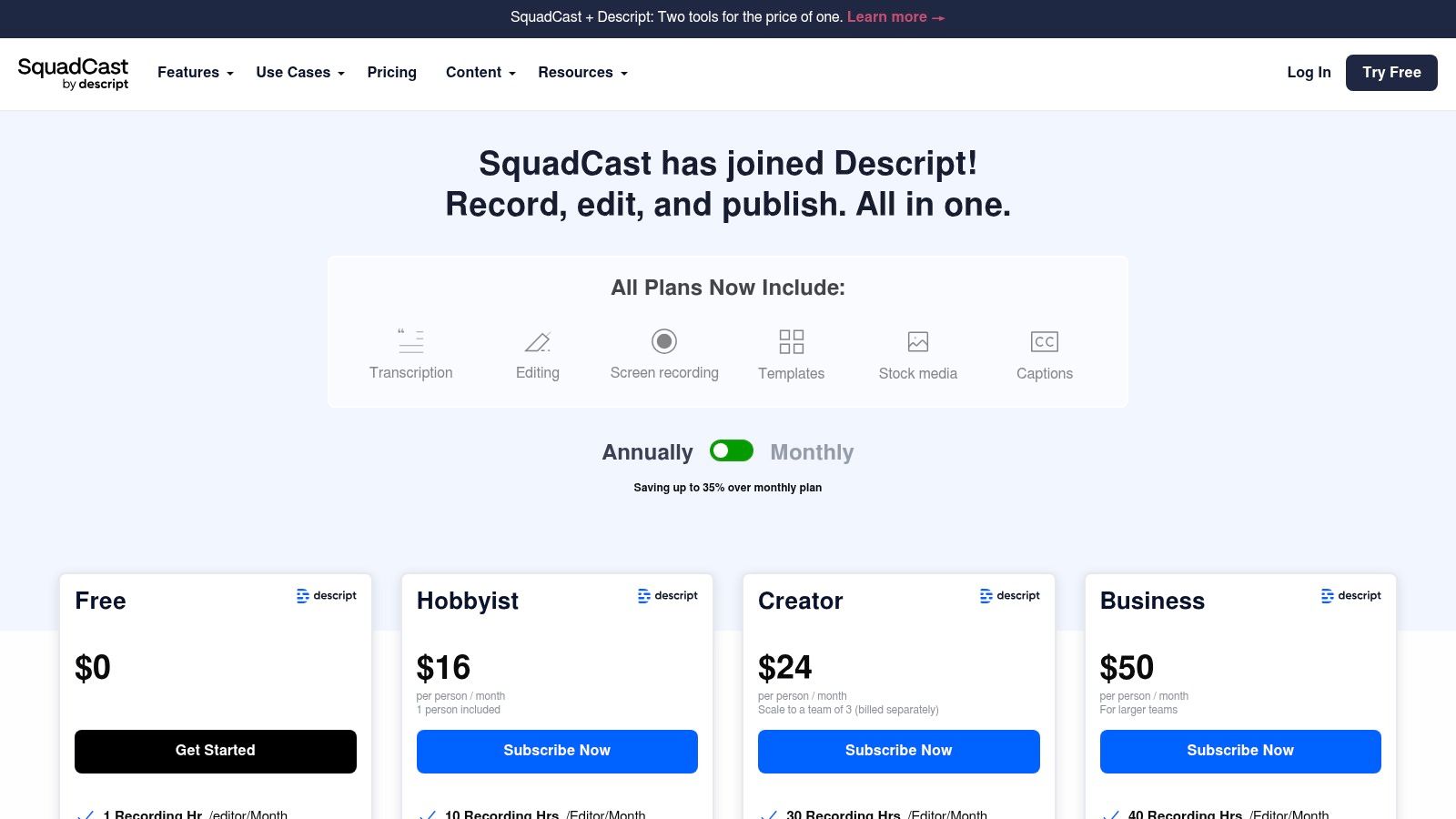
SquadCast makes the most sense when you want a dedicated remote recording room and you don’t need your recorder to also be your clip factory. It has a cleaner separation of jobs than some all-in-one tools. Record in SquadCast, then move into Descript for transcripts, editing, and captions.
That separation can be a plus for teams. It keeps the recording environment simple for guests and avoids loading too much post-production complexity into the session itself.
Why teams choose it
SquadCast’s strongest practical advantages are local separate-track capture, progressive uploads, backups, and a simple guest flow. Those are not glamorous features, but they’re the features that reduce production stress.
For companies recording leadership interviews or customer conversations, guest simplicity matters. If someone can join from a browser, see a clear studio-style interface, and start quickly, your producer spends less time doing tech support.
Where it falls short
- Editing is not the point: You’ll rely on Descript for most of the core post work.
- Repurposing is lighter: Riverside has a stronger native story for quick clips and broader all-in-one publishing.
- Branding workflow is thinner: Better as a recording specialist than as an end-to-end business content system.
A lot of teams end up deciding between SquadCast and Riverside based on one question: do you want a best-of-breed recorder or a broader all-in-one environment?
That’s a valid split. If your internal team already has a preferred editing and publishing process, a cleaner recording app can be the better choice.
Keep your recording layer boring. The more “invisible” it feels to guests, the fewer mistakes you’ll have to fix later.
SquadCast is also a solid fit for people who want a dedicated remote interview workflow without overcommitting to one production style. If remote interviews are your primary format, this walkthrough on how to record a podcast remotely helps frame the setup decisions.
Use SquadCast by Descript when your main priority is reliable browser-based remote recording and you’re happy to let another tool handle the edit.
4. Adobe Podcast web
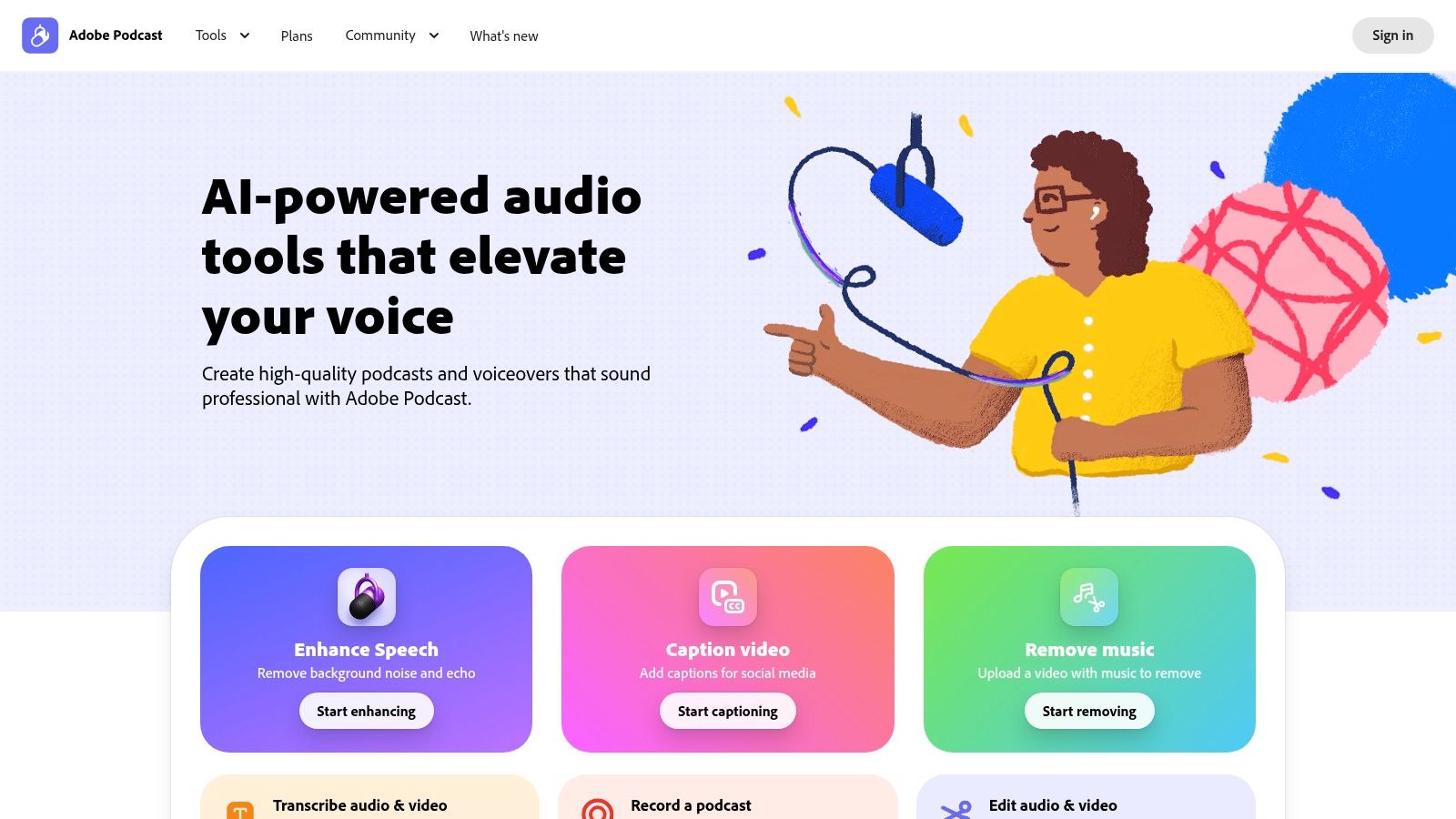
A guest sends back audio recorded in a conference room with hard walls, an open laptop mic, and a loud HVAC system. The interview is strong. The recording is not. Adobe Podcast web earns its place in a business podcast stack in that exact situation.
Used properly, it is a repair tool first. It helps teams clean speech fast, assemble simple audio, and keep a publishable episode from turning into a salvage project inside a full editor.
Where Adobe Podcast web fits in your stack
Adobe Podcast works best in a workflow-first setup where recording happens in one tool and editing happens in another. Record in Riverside or SquadCast. Do cleanup in Adobe Podcast. Finish in Descript, Hindenburg, or REAPER if the episode needs tighter editing or a more deliberate mix.
That division of labor matters. Teams waste time when they expect one app to record, repair, edit, brand, publish, and repurpose equally well. Adobe Podcast is strongest in the middle of that chain.
What it does well
- Fast speech cleanup: Enhance Speech can improve noisy, echo-heavy, or thin-sounding voice tracks enough to save an episode.
- Browser-based access: Useful for marketing teams or producers who need quick fixes without opening a desktop DAW.
- Simple assembly: Fine for light trimming and basic episode prep when the production standard is straightforward.
Trade-offs to watch
- Processing can sound heavy-handed: On executive interviews, too much cleanup can make voices sound synthetic or overly flattened.
- Limited mix control: You do not get the precision available in Hindenburg PRO or REAPER.
- Weak fit for video-led shows: If YouTube clips, branded layouts, and visual repurposing drive the workflow, Adobe Podcast will only cover one step.
I would not build a full production process around it. I would keep it available as the fixer. That is the practical role.
For business podcasters, that distinction is useful. If your team likes configuring a tool stack, Adobe Podcast can save bad source audio and reduce editing time. If your team values speed over tinkering, this is also the kind of function a done-for-you option like micDrop handles behind the scenes, without asking your staff to decide how much cleanup is too much.
Use Adobe Podcast when inconsistent raw audio is the bottleneck and fast cleanup matters more than detailed post-production control.
5. Alitu
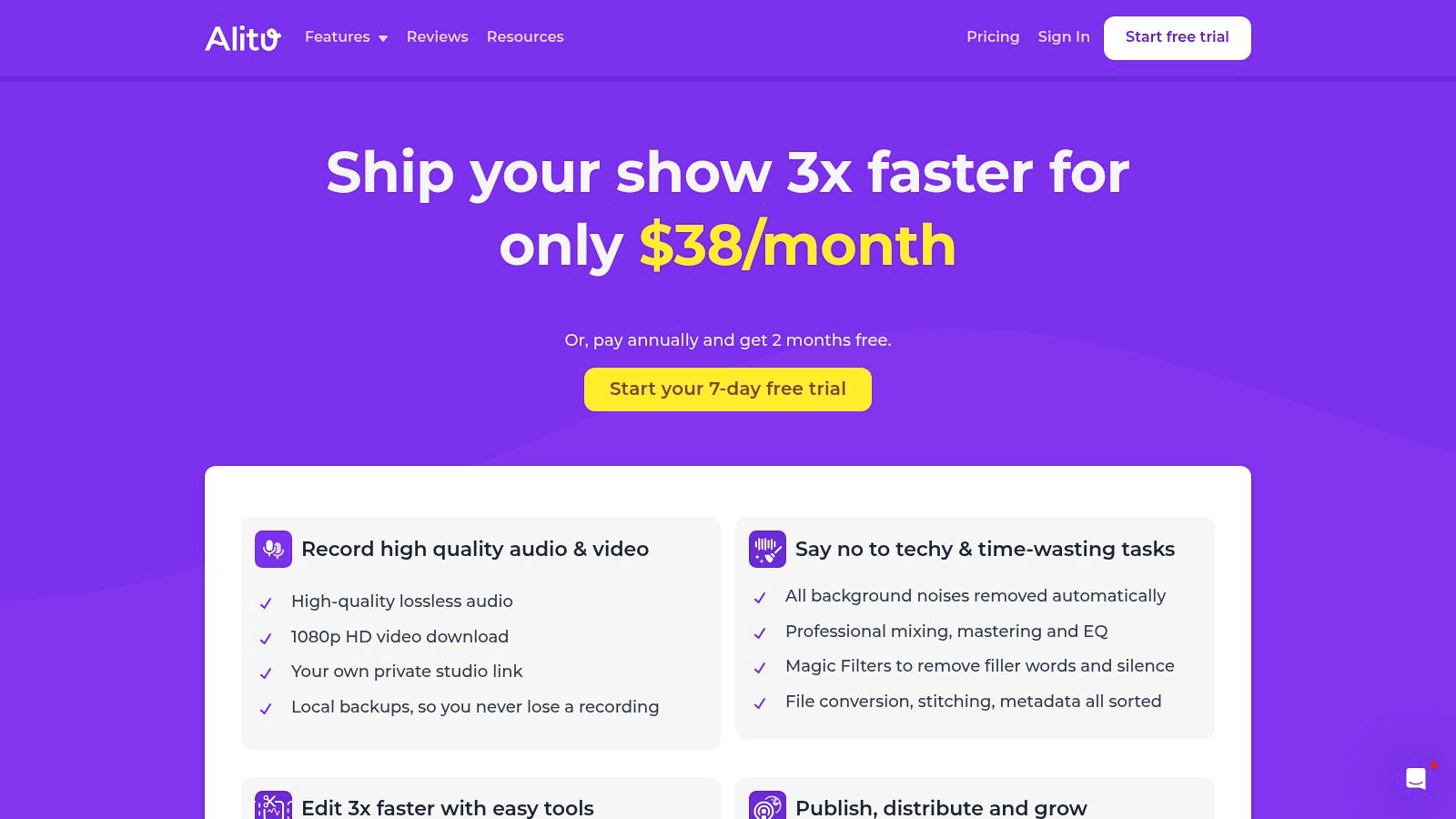
A common business podcast problem looks like this. The team can book guests and draft questions, but production stalls because nobody wants to manage recording software, a DAW, cleanup plugins, hosting, and publishing steps. Alitu is built for that bottleneck.
Its value is workflow compression. Instead of assembling a stack across recording, editing, and hosting, Alitu gives you one guided path to get an audio episode out the door. That makes it a practical fit for founder-led shows, internal podcasts, consultant interview series, and other formats where speed and consistency matter more than production flexibility.
Best fit
Alitu works best for teams that want fewer tool decisions.
You record, clean up audio, make basic edits, add music and branding, then publish from the same environment. For a business podcast with a simple format, that can remove a lot of operational drag. The trade-off is straightforward too. You are accepting guardrails in exchange for less setup, less training, and fewer chances for the process to break.
Where it helps most
- Simple audio-first workflow: Good for interview shows and solo episodes that do not need detailed sound design.
- Low training overhead: Easier to hand off to a marketing coordinator or founder than a full editing tool.
- Fewer moving parts: Useful if your current process keeps getting stuck between recording, editing, and publishing.
That workflow-first distinction matters. If your stack problem is "we have too many tools and nobody owns the handoff," Alitu can simplify the process. If your specific problem is "we need polished video, strong visual branding, and repurposed clips every week," Alitu will feel limiting fast.
Trade-offs to watch
- Limited editing depth: Fine for trims, assembly, and light cleanup. Weak for detailed mix decisions.
- Weak video support: Not the right center of the stack for multi-camera shows or YouTube-first production.
- Less room to customize: Speed comes from constraint, so advanced producers may outgrow it quickly.
I would recommend Alitu to a business team that wants a clean audio workflow with minimal tinkering. I would not recommend it as the core system for a branded show that depends on video assets, custom layouts, or heavier post-production.
Use Alitu when your priority is getting from raw recording to published audio episode with as little process friction as possible. If your team values time more than tool configuration, this is also the kind of work a done-for-you option like micDrop can take off your plate entirely.
6. Spotify for Podcasters
A common business podcast problem looks like this: the team already records in one tool, edits in another, and then realizes Spotify video, audience polls, and episode comments need a separate setup. Spotify for Podcasters works best when you treat it as the publishing and engagement layer in that stack, not the place where the whole production process starts.
That distinction matters.
For a business show that cares about Spotify reach, the platform offers real distribution advantages, especially if video is part of the plan. You get direct access to Spotify-native features instead of pushing audio through a generic host and hoping the experience carries over cleanly.
Where it fits in your workflow
Spotify for Podcasters is strongest at the back end of the process:
- Publishing to Spotify directly: Useful if Spotify is a priority listening channel for your audience.
- Native video support: Better for teams that want full episodes available inside Spotify without building a separate workaround.
- Audience engagement tools: Polls, Q&A, and creator-side features make more sense here than in a recording platform.
- Monetization options inside Spotify's system: Relevant for shows that plan to build inside that ecosystem.
For that reason, I would not put Spotify for Podcasters in the same bucket as Riverside, Descript, or Hindenburg. It is not the center of a production workflow. It is a distribution and audience-management tool with a few creation features attached.
Trade-offs to watch
The limitations are practical, not subtle:
- Editing is still basic: Fine for light assembly. Weak for teams that need tighter pacing, cleanup, or branded post-production.
- Video is platform-specific: Publishing video to Spotify does not solve YouTube, LinkedIn, or short-form clip production.
- Stack dependency remains: You will often still need a separate recording tool and a separate editing tool.
That last point is the one business teams miss. Spotify video can be valuable, but it does not remove the work required for thumbnails, captions, visual branding, and channel-specific formatting across the rest of your content operation.
Use Spotify for Podcasters when Spotify is a primary distribution channel and you want native video plus engagement features inside that environment. If your team wants one partner to handle recording, editing, publishing, and repurposing without piecing together a stack, this is also where a done-for-you option like micDrop starts to make more sense than another tool to configure.
7. StreamYard
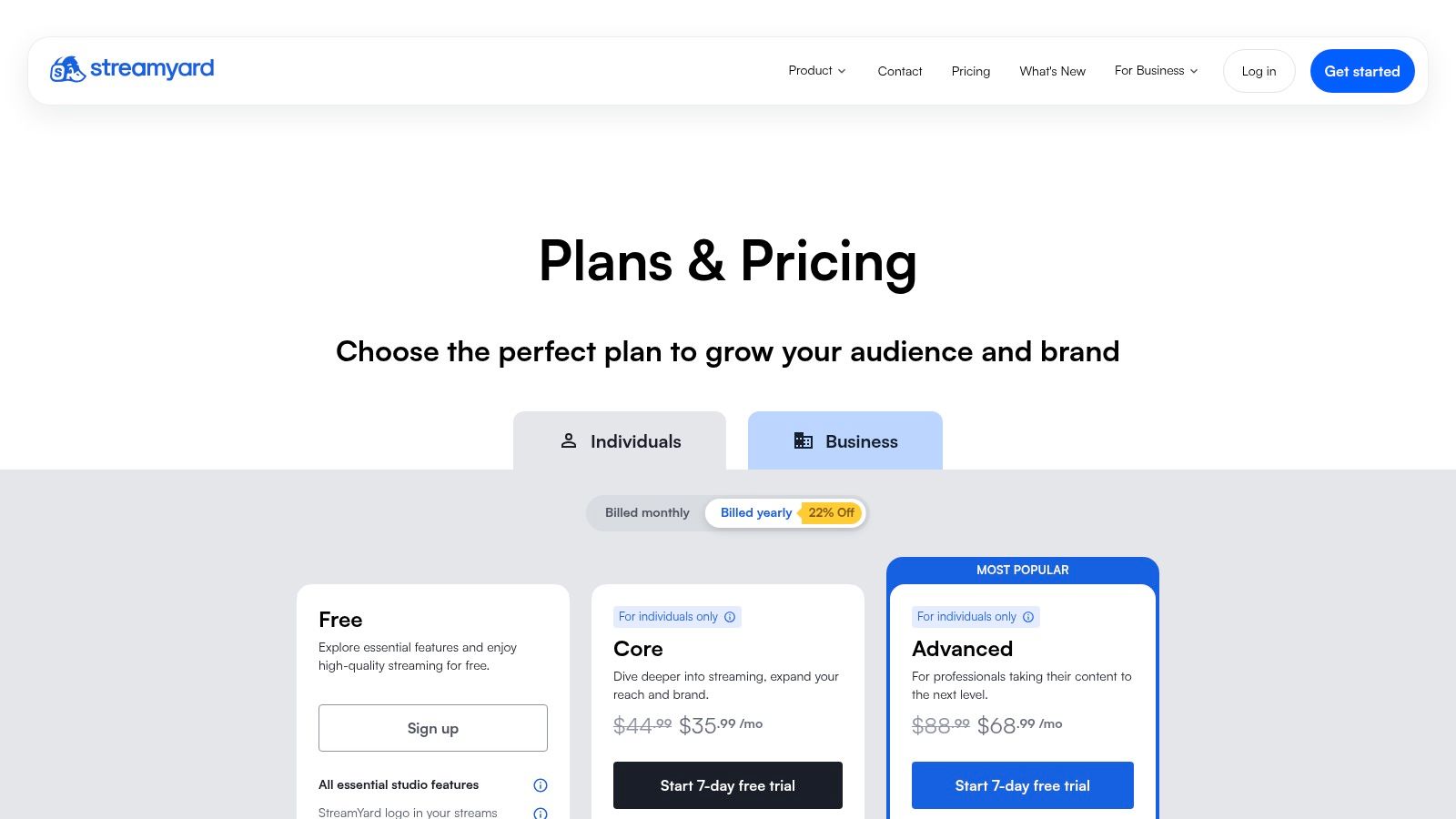
StreamYard is for a different kind of podcast strategy. It’s strongest when the show is also an event. Live panel discussions, webinars that double as episodes, audience-facing interviews, product conversations, and community shows all fit well here.
If you know live distribution is part of the plan, StreamYard becomes much easier to justify. If you don’t need live, it becomes much harder.
What it does well
StreamYard’s appeal is operational. Guests join easily. Layouts are simple to manage. Branding overlays are straightforward. Multistreaming is built in.
That makes it attractive for marketing teams that want one session to feed multiple outcomes: live stream now, podcast episode later, clips after that. It’s not a post-production tool. It’s a live production room that happens to generate podcast-ready material.
The practical downside
- Live quality trade-off: You optimize for broadcast convenience, not maximum post flexibility.
- Editing still happens elsewhere: You’ll almost always want a second tool after recording.
- Overkill for pre-recorded interview shows: If you never go live, better options exist.
A lot of business teams overestimate how much they need to stream. Live adds complexity. It adds scheduling constraints, moderation issues, and more things to monitor in real time. It’s worth it if audience interaction matters. It’s not worth it just because live sounds exciting.
Live is a format choice, not a growth strategy by itself.
Use StreamYard when your podcast is also a public event and you need dependable browser-based live production more than advanced editing.
8. Hindenburg PRO
Hindenburg PRO is one of the best audio-first tools on this list for spoken-word editing. It doesn’t try to be trendy. It’s built for people who care about voice, pacing, loudness, and clean long-form listening.
That makes it especially useful for narrative podcasts, interview shows with careful audio editing, and teams that don’t need advanced video support. Journalists and radio producers have gravitated to it for a reason.
Why audio teams like it
Hindenburg’s speech-oriented approach saves time in places that matter for podcasts. Auto-leveling, loudness normalization, and voice profiling all support a workflow where spoken clarity matters more than music production complexity.
For producers who’ve tried to force podcast editing inside music-first DAWs, Hindenburg often feels more natural. It’s less open-ended, but more aligned to the actual job.
Where it doesn’t fit
- No serious video workflow: Not the right choice for video-first podcasting.
- Less common in marketing teams: Harder to hand off to generalist editors than tools like Descript or Adobe.
- Pricing structure can feel less obvious: It’s not the simplest product to evaluate at a glance.
If your show is audio-first and your audience mainly listens rather than watches, Hindenburg deserves more attention than it usually gets in mainstream app lists. It’s less flashy than AI-first tools, but often better for disciplined spoken-word editing.
Use Hindenburg PRO when your show is built around audio craft and you want a purpose-built editor instead of a generic DAW.
9. REAPER
A common business podcast setup looks like this: record remotely in Riverside or SquadCast, then finish the audio in a separate editor. REAPER fits that second job well. It is the tool for teams that want tight control over dialogue, processing, routing, and export settings without adding another subscription.
REAPER is a full DAW, so the trade-off is straightforward. You get flexibility, speed once it is configured, and low long-term cost. You also take on more setup work than you would in Descript, Alitu, or Adobe Podcast web.
Where REAPER fits in a podcast stack
REAPER makes sense when editing is a production function, not a casual marketing task. If an in-house producer is cleaning up multitrack interviews, saving channel-strip presets, building repeatable templates, and exporting multiple deliverables every week, REAPER gives that person serious control.
That matters for businesses that publish consistently.
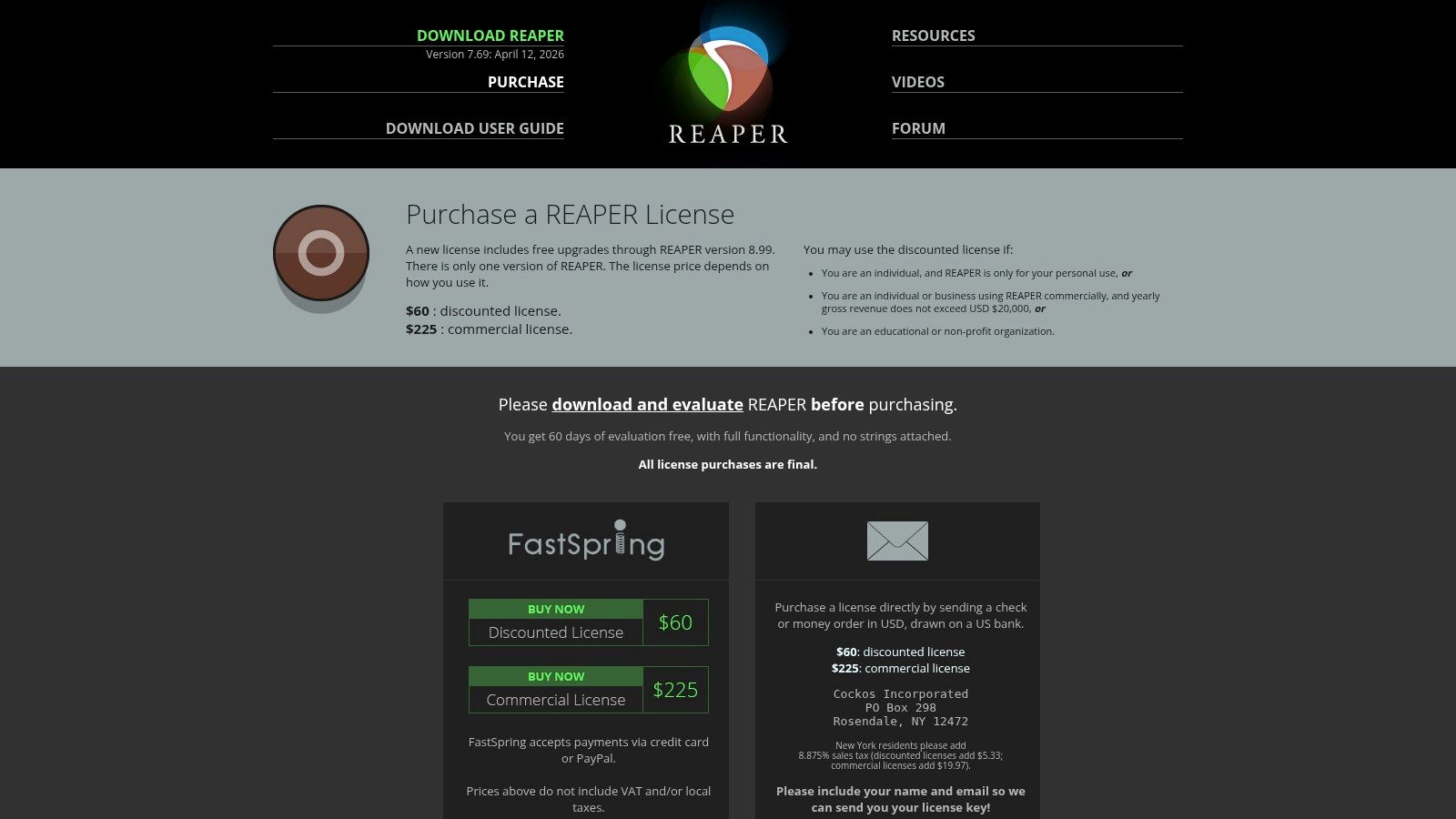
The licensing model helps too. REAPER offers a generous trial and a one-time license through REAPER’s purchase page, which keeps software costs predictable if you plan to use it for years.
What you gain, and what you give up
- Excellent for repeatable audio post-production: Templates, custom actions, and detailed processing can save time after the initial setup.
- Strong value for experienced editors: High capability without monthly pricing pressure.
- Easy to pair with other tools: Use one app for capture, REAPER for editing, and your host or scheduler for publishing.
- Learning curve is real: New users can lose time in menus, routing, and customization before they gain speed.
- No remote recording workflow built in: You still need a separate recording layer in your stack.
- Weak fit for collaborative non-technical teams: If a producer, marketer, and executive all need to touch the same episode, simpler tools are easier to hand off.
For business podcasters, the key question is not whether REAPER is powerful. It is whether your team will use that power. If you have audio experience in-house, REAPER can become the editing backbone behind a polished show. If your team wants lighter production overhead, it is usually better as a specialist tool or a sign to choose a done-for-you option like micDrop instead of building a complicated stack yourself.
10. Ecamm Live Mac
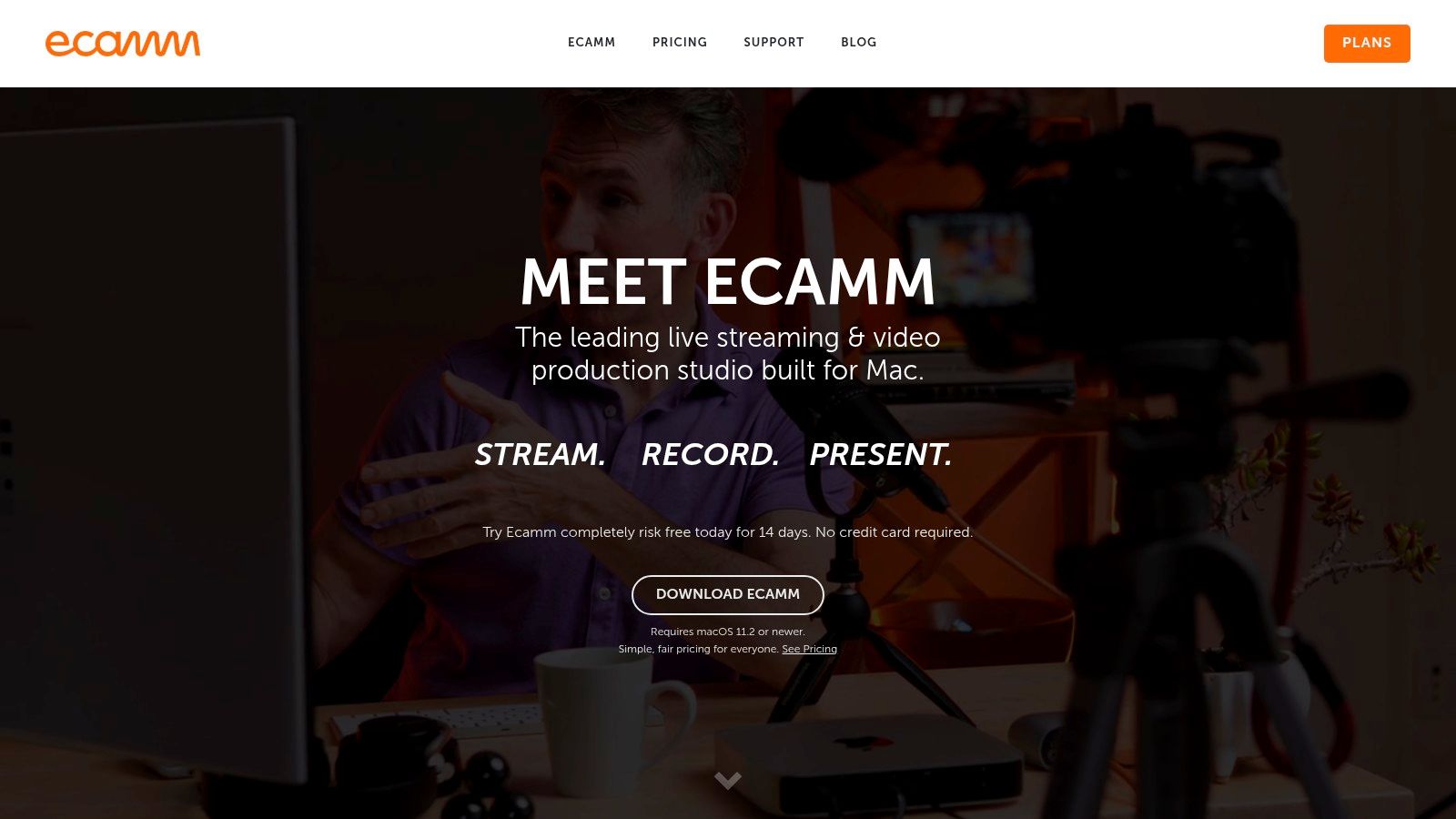
Ecamm Live is a strong option for Mac-based teams producing studio-style video podcasts. It’s especially good when your show looks more like a broadcast than a standard remote interview. Multiple cameras, overlays, switching, interview mode, and Zoom-based workflows are where it earns its place.
The Mac-only limitation is real, but for the right setup, Ecamm can feel surprisingly efficient.
Best use case
Ecamm works well for in-studio or hybrid productions where visual presentation matters a lot. If you’re recording founders, hosts, and guests in a controlled environment, and you want cleaner switching during capture, Ecamm is a smart tool.
It’s also useful when the “recording” itself is part of the production value. Instead of treating editing as the place where everything gets fixed, you make more choices live and leave post with less cleanup to do.
The trade-offs
- Mac-only: That alone disqualifies it for many teams.
- Advanced finishing still happens elsewhere: You’ll still want a separate editor for polished output.
- Best for a specific style of show: Less universal than browser-based recorders.
Ecamm is not the easiest recommendation for beginners, but it’s a strong one for teams already committed to a Mac video setup. If your show has a visual identity and a host-led format that benefits from live switching, it can simplify production in a way generic podcast apps can’t.
Use Ecamm Live when you’re producing a Mac-based video podcast and want broadcast-style control during recording.
Top 10 Podcast Creation Apps, Feature Comparison
Final Thoughts
A business podcast usually breaks in the same place every week. The guest is late. The recording has drift or dropouts. The rough cut sits untouched because nobody wants to edit it. Clips never get approved. Publishing slips because the title, thumbnail, and episode notes are still waiting on someone’s inbox.
That is why the right app is the one that removes the constraint in your workflow.
Use a workflow-first stack. Start by choosing the function that needs the most help.
If remote capture is the risk, put Riverside or SquadCast at the center. If review and rough-cut speed matter more, Descript earns its place quickly. If your team produces a spoken-word show and cares about clean finishing, Hindenburg PRO or REAPER are stronger editing environments. If the show is built around live video, StreamYard or Ecamm Live fit the job better than trying to force a recording tool into live production.
The practical question is not which app has the longest feature list. It is which part of production fails most often, and what it costs your team when it does.
Teams should also be honest about operating discipline. Business podcasts rarely stall because the idea was weak. They stall because the workflow depends on too many handoffs, too much manual cleanup, or one person who is already overloaded. A simpler all-in-one setup can beat a better specialized stack on paper if it helps your team publish on time.
A sensible setup usually looks like this:
- One recording tool
- One editing or finishing tool
- One clear publishing owner
- A lightweight clip and approval process
- Outsourced help for the work your team keeps delaying
AI features matter here, but only in the right role. Transcription, filler-word cleanup, text-based editing, and repurposing save time. They do not fix weak hosting, bad mic technique, or inconsistent editorial judgment. Fast production is useful. Finished quality is what the audience notices.
The bigger trade-off is control versus time. A DIY stack gives you flexibility and lower software costs, especially if someone on the team likes production work and has time to learn the tools. A done-for-you model costs more, but it removes setup, training, editing overhead, and the weekly coordination tax that slows down branded shows.
That makes the final decision straightforward.
If you are a solo creator or an in-house team that wants full control, build a stack around your bottleneck and keep it as small as possible. If you are running a show to support brand authority, sales conversations, recruiting, or customer trust, consistency usually matters more than experimenting with tools.
If your team wants the authority-building benefits of a video podcast without owning the production headaches, micDrop is the cleaner alternative. micDrop helps brands, leaders, and marketing teams run polished remote-first video podcasts with guided recording, multi-cam editing, sound design, motion graphics, lower thirds, repurposing, and multi-platform publishing handled for you. It is a better fit when you value consistency, fast turnaround, and strong YouTube-ready output more than tinkering with apps every week.


